MyInvestor,
now connected to your favorite AI

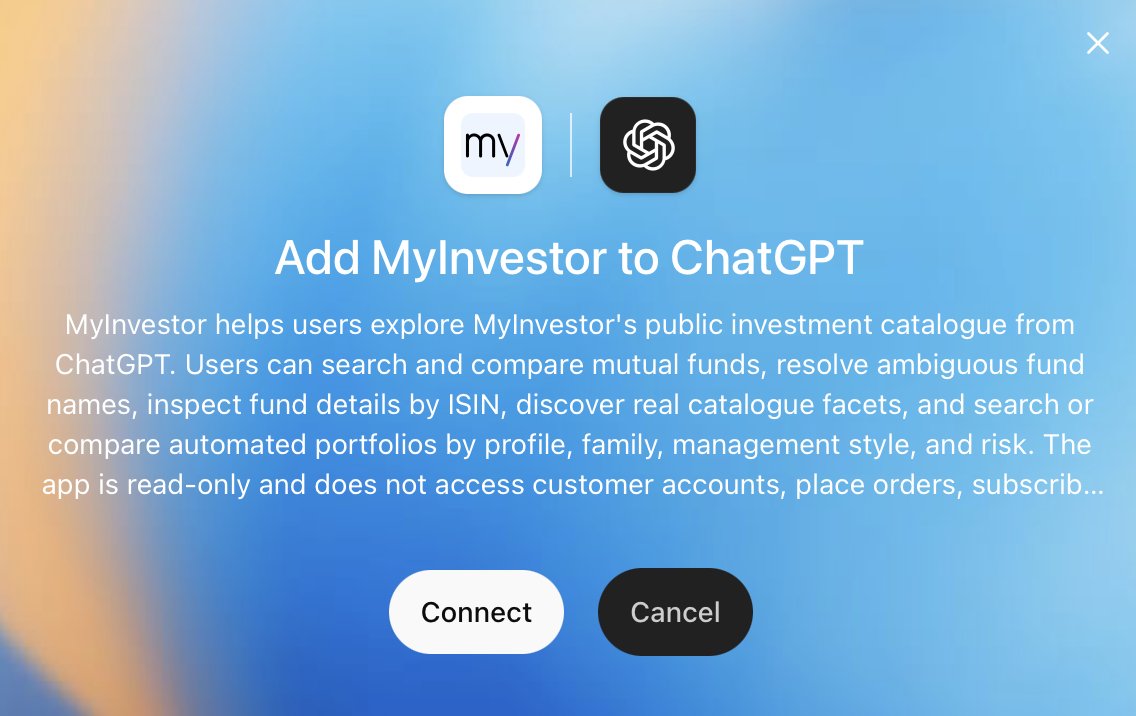
Search, compare and, if you're a client, start purchasing MyInvestor's funds and automated portfolios by chatting with ChatGPT , Claude , Perplexity or Grok . Ask in your own words and get clear, visual answers backed by real MyInvestor data.

Connect now See it in action
What it is

The new MyInvestor MCP

The MyInvestor MCP connects AI agents like Claude and ChatGPT to MyInvestor's universe of funds and portfolios. Describe what you're after in your own words and your agent returns funds and portfolios with their key data, ready to explore.

ChatGPT
Grok
Perplexity
Claude
Gemini
Why you'll love it

Use MyInvestor inside your AI conversations

No account needed

The new MCP works for both MyInvestor clients and non-clients, since it queries the available product catalogue.

2,000+ funds, instantly

The whole catalogue of MyInvestor mutual funds opened to conversational search — index funds and actively managed funds across every category.

Automated portfolios

Indexed, hybrid, savings and sustainable portfolios.

Compare in a second

Put two or three funds side by side — TER, returns, sectors, regions.

Always-fresh data

NAVs, returns and composition synced with MyInvestor's public catalogue.

Product information only

The connector only queries investment product information. Any operations will continue to be done within MyInvestor.

Examples & use cases

Ask whatever you need

@ S&P 500 index funds with a TER under 0.2%
@ Compare DWS Top Dividende with Fidelity Global Dividend
@ Best European fixed income funds over 3 years
@ S&P 500 index funds with a TER under 0.2%
@ Compare DWS Top Dividende with Fidelity Global Dividend
@ Best European fixed income funds over 3 years
@ S&P 500 index funds with a TER under 0.2%
@ Compare DWS Top Dividende with Fidelity Global Dividend
@ Best European fixed income funds over 3 years
@ S&P 500 index funds with a TER under 0.2%
@ Compare DWS Top Dividende with Fidelity Global Dividend
@ Best European fixed income funds over 3 years
@ Which technology sector funds are available
@ Global equity ESG funds with AUM above €1 billion
@ Automated portfolios for a conservative profile
@ Which technology sector funds are available
@ Global equity ESG funds with AUM above €1 billion
@ Automated portfolios for a conservative profile
@ Which technology sector funds are available
@ Global equity ESG funds with AUM above €1 billion
@ Automated portfolios for a conservative profile
@ Which technology sector funds are available
@ Global equity ESG funds with AUM above €1 billion
@ Automated portfolios for a conservative profile
@ Indexed MyInvestor portfolios
@ Compare the Classical, Indie and Metal portfolios
@ Indexed MyInvestor portfolios
@ Compare the Classical, Indie and Metal portfolios
@ Indexed MyInvestor portfolios
@ Compare the Classical, Indie and Metal portfolios
@ Indexed MyInvestor portfolios
@ Compare the Classical, Indie and Metal portfolios

Use cases

Curious investor

Learn by exploring

“Cheap funds that invest in the US” leads you to low-TER S&P 500 indexes, explained.

Passive & cheap

Filter by cost

“Low-TER index funds” sorts the catalogue by cost and shows the most competitive options available.

Side-by-side

Decide between options

Drop two or three ISINs (or names) and get a side-by-side: returns by period, sectors, regions.

Robo-advisor

Start with a portfolio

“What portfolios does myinvestor offer?” returns detailed information about the available automated portfolios.

Thematic

Explore sector funds

“Tech funds that invest in the US” combines sector + geography in a single ask.

Category

What interests you most?

“European fixed income funds” filters by category and explores all the options.

In action

The new MCP in action

Discover a new experience for the MyInvestor investor.

Discover funds
Compare portfolios
Connect

Connect now

Copy the MCP server URL and follow the steps for your platform.

Connect MyInvestor to Claude

Claude opens with the form pre-filled. Just check the URL is mcp.myinvestor.es and click “Add”.

Manual setup
  1. 1 In Connectors click “+ Add” → “Custom” → “Web”.
  2. 2 Name → MyInvestor · Remote MCP server URL → paste the URL below.
  3. 3 Leave the “Advanced settings” (OAuth) empty and click Add.
https://mcp.myinvestor.es/mcp
Coming soon

The Gemini app doesn't yet support adding custom MCP connectors.

  1. 1 Open Settings → Apps → Advanced settings and turn on Developer mode.
  2. 2 Go back to Apps and click Create app.
  3. 3 Fill in the fields exactly: Name → MyInvestor · Connection → “Server URL” tab (not “Tunnel”) and paste the URL on the right · Authentication → No authentication.
  4. 4 Tick “I understand and want to continue” and click Create.
MCP URL
https://mcp.myinvestor.es/mcp
  1. 1 Go to Settings → Connectors and click “+ Custom connector” (Remote).
  2. 2 Fill in the fields exactly: Name → MyInvestor · MCP Server URL → paste the URL on the right.
  3. 3 Expand “Advanced”: Authentication → None · Transport → Streamable HTTP.
  4. 4 Tick the risk acknowledgement box and click Add.
MCP URL
https://mcp.myinvestor.es/mcp
  1. 1 Go to Settings → Connectors (or open grok.com/connectors).
  2. 2 Click “New Connector” and select “Custom”.
  3. 3 Fill in the fields: Name → MyInvestor · MCP Server URL → paste the URL on the right (no authentication needed) and confirm. Grok will automatically discover the tools your server exposes.
MCP URL
https://mcp.myinvestor.es/mcp
Requires Claude Pro, Max or Team. Free plans don't support custom connectors.
Requires a paid plan (Plus, Pro, Business, Enterprise or Edu). Must be set up on desktop; once connected, you can use it on mobile too.
Requires Pro, Max or Enterprise. Must be set up on desktop; once connected, you can use it on mobile too.
Requires a paid Grok account.
No MyInvestor account needed to browse the catalogue.
FAQ

Everything you're wondering

Is it free? +
Yes. The connector is free to use. No MyInvestor account is required to browse the catalogue.
What data does it query? +
Only public catalogue information from MyInvestor — names, ISINs, returns, TER, asset allocation. No client data, positions or accounts.
Can it buy funds for me? +
No. The connector is read-only, but if you're a MyInvestor client you can start the purchase right from your AI chat. When you tap Buy, myinvestor.es opens in a new tab so you can sign in with your credentials and complete the operation in a secure environment.
How fresh is the data? +
The catalogue is periodically refreshed from MyInvestor's public API — about 2,300 mutual funds and all the automated portfolios.
Which agent can I connect it to? +
Any agent that supports MCP. All the major AI agents already support our connector (ChatGPT, Claude, Perplexity, Grok).
Who maintains it? +
Developed and maintained by MyInvestor Banco, S.A.'s technical team in collaboration with GPTadvisor.
Privacy & security

We process no personal data

Zero personal data

The connector requests no personal data and stores none. No accounts, no profiles.

Public catalogue only

Queries the same public fund and portfolio data you see at myinvestor.es.

No orders

The MCP doesn't let your AI agent execute orders, since it's read-only access to the catalogue.

Powered by GPTadvisor